 Skip to content
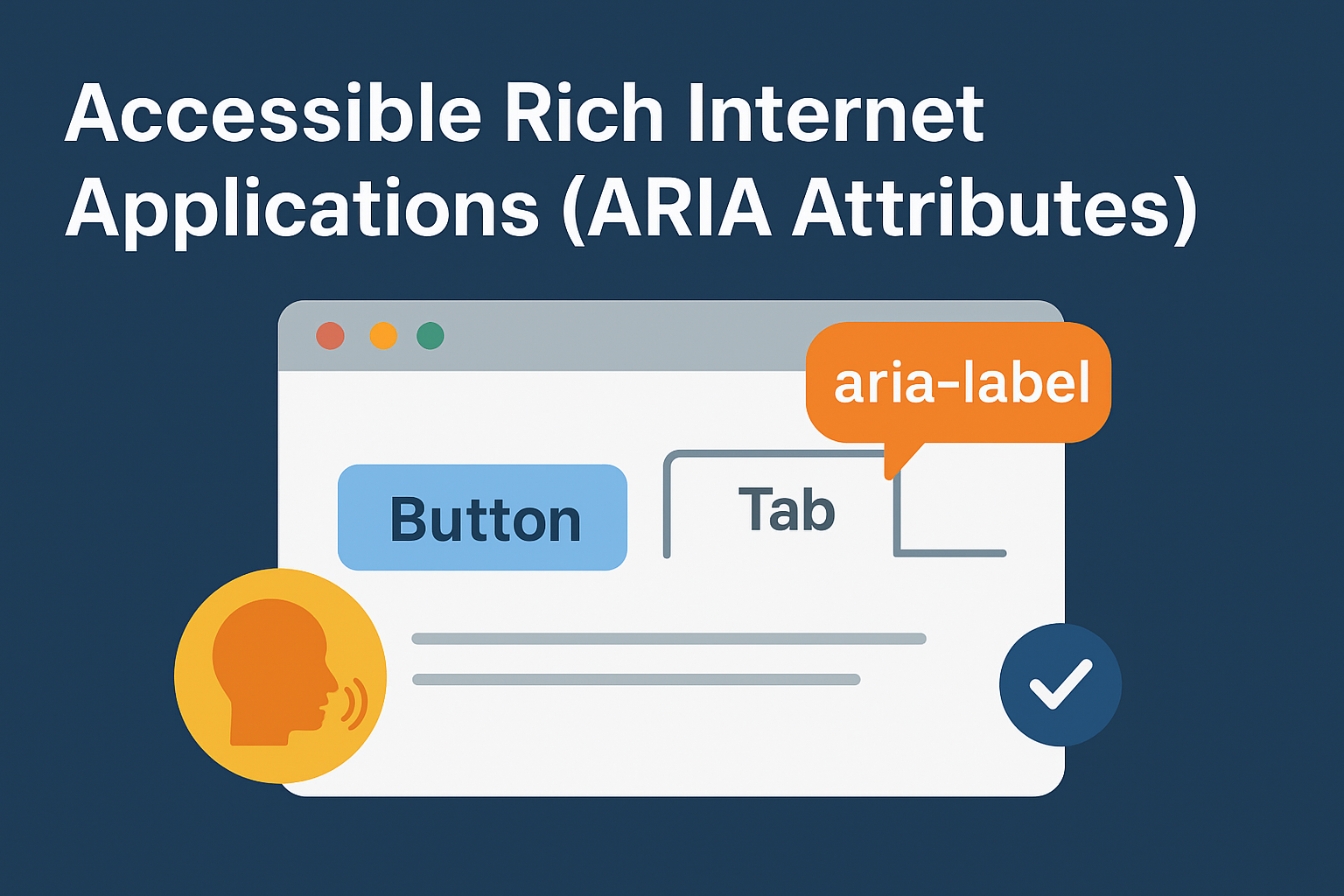
Accessible Rich Internet Applications (ARIA Attributes): Giving Your Website a Voice
You know that feeling when you’ve built something truly slick? A menu that drops down with a gentle fade, a progress bar that animates just right, or a form that gives instant feedback. It looks and feels amazing to anyone who can see it and use a mouse. But here’s a truth that took me too long to learn: for someone using a screen reader, that beautiful interface can be a silent, confusing maze.
I’ll never forget the moment it clicked for me. I’d built this gorgeous tabbed component. It was my pride and joy. Then I sat in on a usability test with a blind developer. He navigated to my masterpiece using his screen reader, and all it said was: “Graphic.” Just that one word. My heart sank. He had no clue there were tabs to click, no way to access the content. My beautiful code was a complete dead end for him.
That’s the exact problem that Accessible Rich Internet Applications (ARIA Attributes) are designed to fix. Think of ARIA not as a new language, but as a set of special instructions you can add to your HTML. It’s like a translator that takes your visual design and explains it to assistive technologies, building a bridge where HTML alone falls short.
Understanding Accessible Rich Internet Applications (ARIA Attributes)
Imagine your website is a play. HTML builds the stage, the props, and the actors. CSS handles the costumes, the lighting, and the blocking. But for someone who can’t see the stage, you need a narrator to describe the action. “The villain is hiding behind the curtain,” or “This seemingly ordinary book is actually a secret button.”
That narrator is Accessible Rich Internet Applications (ARIA Attributes).
Technically, it works by tweaking something called the “accessibility tree,” a behind-the-scenes version of your page that screen readers use. When you add an ARIA attribute, you’re essentially writing a new line in the narrator’s script.
Now, you might have heard the golden rule of ARIA: “No ARIA is better than bad ARIA.” Don’t let that scare you. It just means this is a precise tool. You wouldn’t use a chainsaw to slice a birthday cake. Accessible Rich Internet Applications (ARIA Attributes) are for specific jobs, not for randomly sprinkling over your code hoping it magically works.
The Core Components of Accessible Rich Internet Applications
To use Accessible Rich Internet Applications (ARIA Attributes) well, you really just need to get familiar with three types of tools.
1. Roles: Defining What Something Is
A role slaps a label on an element, telling a screen reader its job.
html
<div role="navigation">...</div>
<div role="alert">A critical error occurred!</div>
This tells the assistive tech, “Hey, treat this div as the main navigation,” or, “Announce this message like it’s an emergency alert!” A quick tip: always use the native HTML element if it exists. Use <nav> instead of role="navigation". Save roles for when you’re building custom widgets that don’t have a native tag.
2. Properties: Describing Relationships
Properties (the aria-* stuff) give context and connect elements together.
html
<button aria-expanded="false" aria-controls="hidden-menu">Toggle Menu</button>
<div id="hidden-menu">...</div>
Here, aria-controls explicitly links the button to the menu it controls. aria-expanded tells the user whether that menu is currently open or closed. It’s like giving the screen reader a map of how the pieces fit together.
3. States: The Here and Now
States describe the current condition of an element, and they often change on the fly.
html
<div aria-live="polite">Your settings have been saved.</div>
<input type="checkbox" aria-checked="mixed">
<div aria-hidden="true">This decorative image is ignored.</div>
The aria-live attribute is pure magic. It marks a part of the page as a “live region.” Any time you update the content inside it with JavaScript, the screen reader will automatically announce the change. It’s perfect for success messages, error alerts, or updating a notification counter.
Implementing Accessible Rich Internet Applications in Practice
Remember my broken tab component? Here’s how Accessible Rich Internet Applications (ARIA Attributes) would have saved it.
The Silent, Broken Version (What I Built):
html
<!-- A screen reader user just hears... silence. -->
<div>
  <div class="tab">Profile</div>
  <div class="tab">Settings</div>
</div>
<div class="tab-panel">Profile content here...</div>
<div class="tab-panel">Settings content here...</div>
The Fixed, Talking Version (With ARIA):
html
<!-- Now the screen reader has a full script to read. -->
<div role="tablist" aria-label="User account sections">
  <button role="tab"
          aria-selected="true"
          aria-controls="profile-panel"
          id="profile-tab">
    Profile
  </button>
  <button role="tab"
          aria-selected="false"
          aria-controls="settings-panel"
          id="settings-tab">
    Settings
  </button>
</div>

<div role="tabpanel"
     id="profile-panel"
     aria-labelledby="profile-tab">
  Profile content here...
</div>
<div role="tabpanel"
     id="settings-panel"
     aria-labelledby="settings-tab"
     hidden>
  Settings content here...
</div>
Now, a screen reader can clearly announce: “Tablist, User account sections. Selected, Profile tab, 1 of 2.” The user understands the component’s purpose, knows where they are, and can navigate it. For more detailed examples, the MDN Web Docs on ARIA provide excellent technical guidance.
Building Dynamic Feedback with Accessible Rich Internet Applications
Let’s build something useful: a form that announces its own errors using Accessible Rich Internet Applications (ARIA Attributes).
HTML and JavaScript:
html
<form id="signup-form">
  <label for="email">Email:</label>
  <input type="email" id="email" aria-describedby="error-message">
  <!-- This empty div is our live announcement spot -->
  <div id="error-message" role="alert" aria-live="polite"></div>
  <button type="submit">Submit</button>
</form>

<script>
  document.getElementById('signup-form').addEventListener('submit', function(event) {
    event.preventDefault();
    const email = document.getElementById('email').value;
    const errorElement = document.getElementById('error-message');

    if (!email.includes('@')) {
      // This message will be announced as soon as it's added to the div!
      errorElement.textContent = 'Error: Please enter a valid email address.';
    } else {
      errorElement.textContent = ''; // Clear any old errors
      // Submit the form...
    }
  });
</script>
The secret sauce is role="alert" and aria-live="polite". The moment our JavaScript drops that error text into the div, the screen reader will speak it aloud. Using polite means it waits for a quiet moment, while assertive would cut in immediately. This approach to Accessible Rich Internet Applications gives blind users the same instant feedback sighted users get.
When to Use Accessible Rich Internet Applications
It’s easy to get overwhelmed, so here’s a straightforward list to live by when working with Accessible Rich Internet Applications (ARIA Attributes).
Go ahead and use ARIA when you:
- Build custom widgets: Think of a fancy slider or a drag-and-drop interface that HTML doesn’t have a tag for.
- Add meaning to icons: Like turning a lone “X” into a
<button aria-label="Close">X</button>. - Need to announce updates: Live regions (
aria-live) are your best friend for notifications, search results, or any dynamic content.
But hold up, don’t use ARIA when you:
- Can use a native HTML element instead. Please, just use a real
<button>. It’s simpler and works better than a<div role="button">you have to fix up yourself. - Are trying to cover up a messy layout. ARIA describes your structure, it can’t perform miracles on a broken foundation.
- Are just repeating what HTML already says. Putting
role="banner"on a<header>tag is like adding a label that says “this is a label.” It’s just noise.
The Web Accessibility Initiative (W3C) offers comprehensive guidelines on proper ARIA usage for those who want to dive deeper.
Building a More Inclusive Web
Learning about Accessible Rich Internet Applications (ARIA Attributes) isn’t really about memorizing a bunch of attributes. It’s about learning to see your website through someone else’s eyes, or ears. It’s a shift from thinking only about how things look to thinking about how they work for every single person.
When you add aria-label or role="status", you’re not just writing code. You’re giving your website a clear, confident voice. You’re making sure your interactive masterpiece isn’t a silent film for a part of your audience. Start small, fix one component at a time, and you’ll be building a web that doesn’t just look good, but works for everyone.
New to HTML? Start Here: HTML Tutorial for Beginners: Your Complete Introduction to HTML Basics
[INSERT_ELEMENTOR id=”122″]

