 Skip to content
Custom Data Attributes & JavaScript Hooks: From Code Chaos to Clarity
Alright, let’s be real for a second. How many times have you been in this situation? You’re building something interactive, like a slick toggle switch, and you need to tell your JavaScript, “Hey, this is the thing you need to make work!” So, what’s the quickest way? You toss a class on it, like class="toggle-switch".
Then your JavaScript goes hunting with document.querySelector('.toggle-switch'). It works, sure. But in the back of your mind, it feels a bit… hacky. You’re using a tool meant for styling to control behavior. It’s like using a shoe to hammer in a nail, it gets the job done, but it’s not exactly right.
And then it happens. Your designer decides the toggle needs a fresh look and changes the class to ui-switch. Suddenly, your beautiful JavaScript is broken. That tight coupling between your style and your logic just snapped, and you’re left fixing a bug that never should have existed. I’ve been there more times than I care to admit.
This was the messy reality we all lived in, until HTML5 threw us a lifeline. Mastering Custom Data Attributes & JavaScript Hooks changed everything for me, and it can do the same for you.
So, What Are These data-* Things Anyway?
Think of Custom Data Attributes & JavaScript Hooks as secret pockets sewn into your HTML. They’re your own private storage space right inside any element. That * is your blank check, you can call it whatever makes sense for you. Storing a user ID? data-user-id is perfect. Need a price? data-price has you covered.
The beauty is in their simplicity. Just look at this:
html
<button data-action="open-modal" data-target="modal-welcome">Click Me</button>
<div id="modal-welcome" data-modal-size="large" data-modal-closable="true">
  <p>Welcome to our site!</p>
</div>
The best part? The browser completely ignores these for rendering. They don’t change how anything looks. Their one and only job is to hold information for your scripts, creating a clean, dedicated bridge between your structure and your interactivity. For a deep dive into the syntax, the MDN Web Docs on data attributes are an excellent resource.
Why These JavaScript Hooks Beat Classes Every Time
We used to bend classes and IDs to our will, but using Custom Data Attributes & JavaScript Hooks just makes more sense. Here’s why I’m never going back:
They’re Self-Documenting: When you see data-action="save", you know exactly what it does. A class like save-btn could be for looks, for function, or both. This clarity is a game-changer for readability.
They Actually Hold Data: Classes are for grouping things, not storing information. With these attributes, you can stash a whole JSON object if you need to.
html
<div data-product='{"id": 456, "name": "Coffee Mug", "inStock": true}'></div> They’re Future-Proof: That data- prefix means they’ll never clash with new HTML features. You can make up whatever you need and sleep soundly.
Implementing Custom Data Attributes & JavaScript Hooks
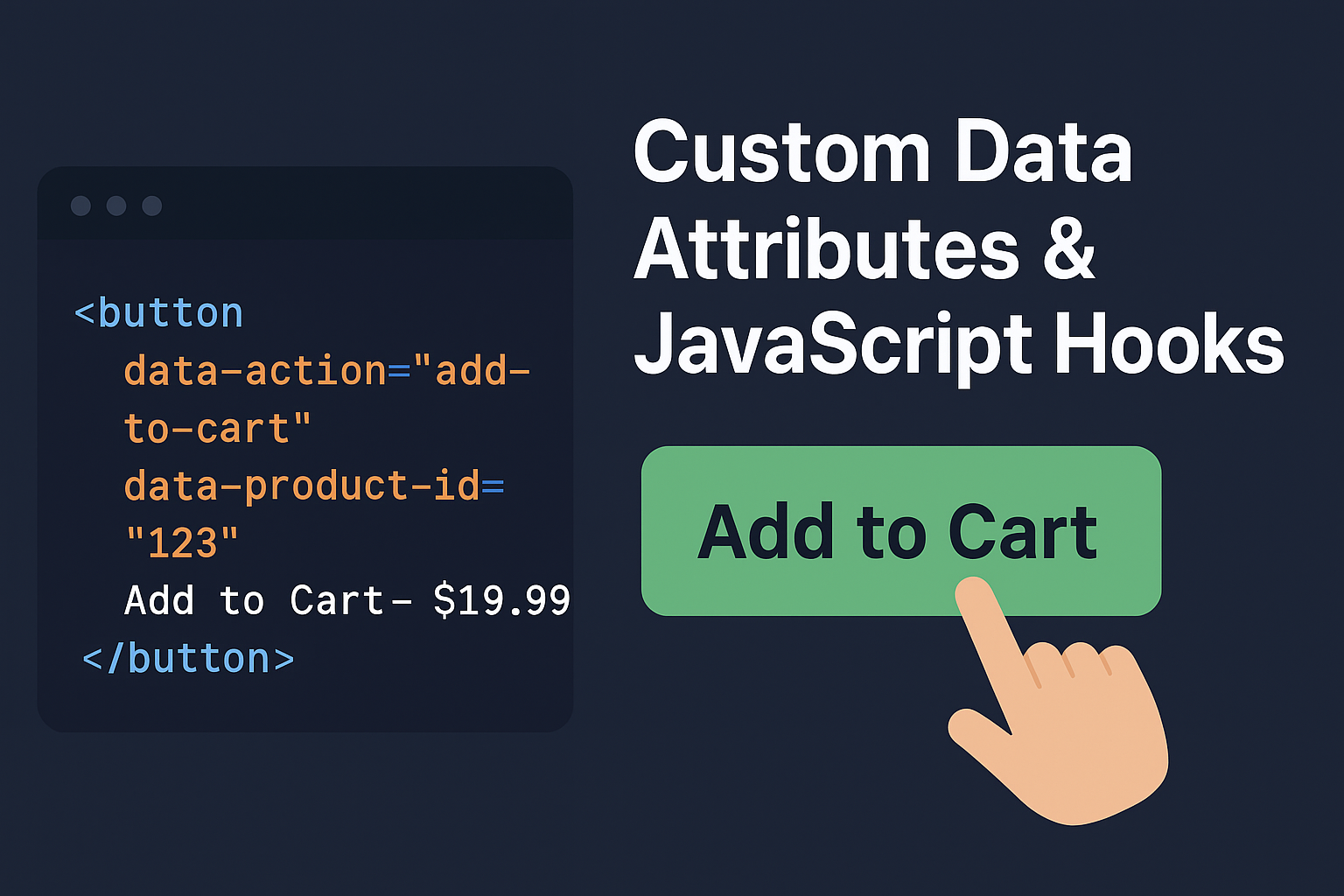
Okay, enough theory. Let’s see how this actually works by building a real “Add to Cart” button.
First, we set up our HTML. We pack it with all the context our script will need.
html
<button class="btn--primary"
        data-action="add-to-cart"
        data-product-id="123"
        data-product-name="Awesome T-Shirt"
        data-price="1999">
    Add to Cart - $19.99
</button>
Now for the JavaScript magic. We write a simple, powerful script that listens for these data attributes.
javascript
// Listen for clicks anywhere on the page
document.addEventListener('click', function(event) {
  // Check if the clicked element has our special data-action attribute
  if (event.target.hasAttribute('data-action')) {

    // Figure out what action we're supposed to take
    const action = event.target.dataset.action;

    // Now we can route our logic based on the action
    if (action === 'add-to-cart') {
      // Grab all the product details from the button's data attributes
      const productId = event.target.dataset.productId;
      const productName = event.target.dataset.productName;
      const price = parseInt(event.target.dataset.price); // Turn the string into a number

      // Now we have everything we need!
      addItemToCart({ id: productId, name: productName, price: price });
    }

    // Adding more features is a breeze
    if (action === 'open-modal') {
      const targetModal = event.target.dataset.target;
      openModal(targetModal);
    }
  }
});

function addItemToCart(product) {
  // This is where you'd handle the actual cart logic
  console.log(`Awesome! Adding ${product.name} to the cart.`);
  // In a real app, you'd probably send a fetch() request or update your state here
}
See that dataset property? It’s your golden ticket. It grabs all the data-* attributes from an element and serves them up in a nice, clean object. Just remember to drop the data- and camelCase the name (data-product-id becomes dataset.productId). This approach to Custom Data Attributes & JavaScript Hooks creates a much more maintainable codebase.
Advanced Techniques with Custom Data Attributes
Let’s try something a bit more dynamic, like a progress bar for a game or a dashboard.
Here’s our HTML setup:
html
<div class="progress-bar" data-progress="0" data-goal="100"></div>
<button data-action="update-progress" data-increment="10">Add 10%</button>
And the JavaScript to bring it to life:
javascript
document.addEventListener('click', function(event) {
  if (event.target.dataset.action === 'update-progress') {
    const progressBar = document.querySelector('.progress-bar');
    const increment = parseInt(event.target.dataset.increment);
    const currentProgress = parseInt(progressBar.dataset.progress);
    const newProgress = currentProgress + increment;

    // First, update the data attribute – this is our source of truth
    progressBar.dataset.progress = newProgress;

    // Then, update the visual to match
    progressBar.style.width = newProgress + '%';
    progressBar.textContent = newProgress + '%';

    // Check for victory!
    if (newProgress >= parseInt(progressBar.dataset.goal)) {
      progressBar.classList.add('complete');
    }
  }
});
In this case, the data-progress attribute is the current state. The visual bar is just a reflection of that data. This pattern of having a single source of truth makes your code so much easier to reason with. Learning about JavaScript event delegation can help you understand why this pattern works so well.
Best Practices for Custom Data Attributes & JavaScript Hooks
Like any powerful tool, it’s best to know when to use it.
The Do’s:
- Use them for dynamic state that your UI depends on.
- Use them to build generic behaviors that you can reuse everywhere.
- Keep the values simple, strings are usually your best bet.
The Don’ts:
- Please don’t use them for styling. That’s what CSS classes are for. If you catch yourself writing
[data-state=active] { color: blue; }, take a step back. - Don’t dump huge amounts of data in them. For complex data, keep it in a JavaScript object.
- Never store anything sensitive. Remember, anyone can see this by looking at the page source.
Wrapping Up
Switching from class based scripting to using Custom Data Attributes & JavaScript Hooks felt like finally getting the right tool for the job. It was the difference between forcing a screwdriver to act as a chisel and having a perfectly balanced chisel in my hand.
This approach forces a clean separation that makes your code more robust, easier to read, and a joy to maintain. Your HTML starts to describe what your application does, not just what it looks like. Your JavaScript stops being a fragile series of hunts for specific classes and starts responding to clear, declarative commands.
It’s a small change in mindset, but honestly, it transforms how you build for the web. Give Custom Data Attributes & JavaScript Hooks a serious try as your go-to method. I promise you won’t regret it.
New to HTML? Start Here: HTML Tutorial for Beginners: Your Complete Introduction to HTML Basics
[INSERT_ELEMENTOR id=”122″]

