 Skip to content
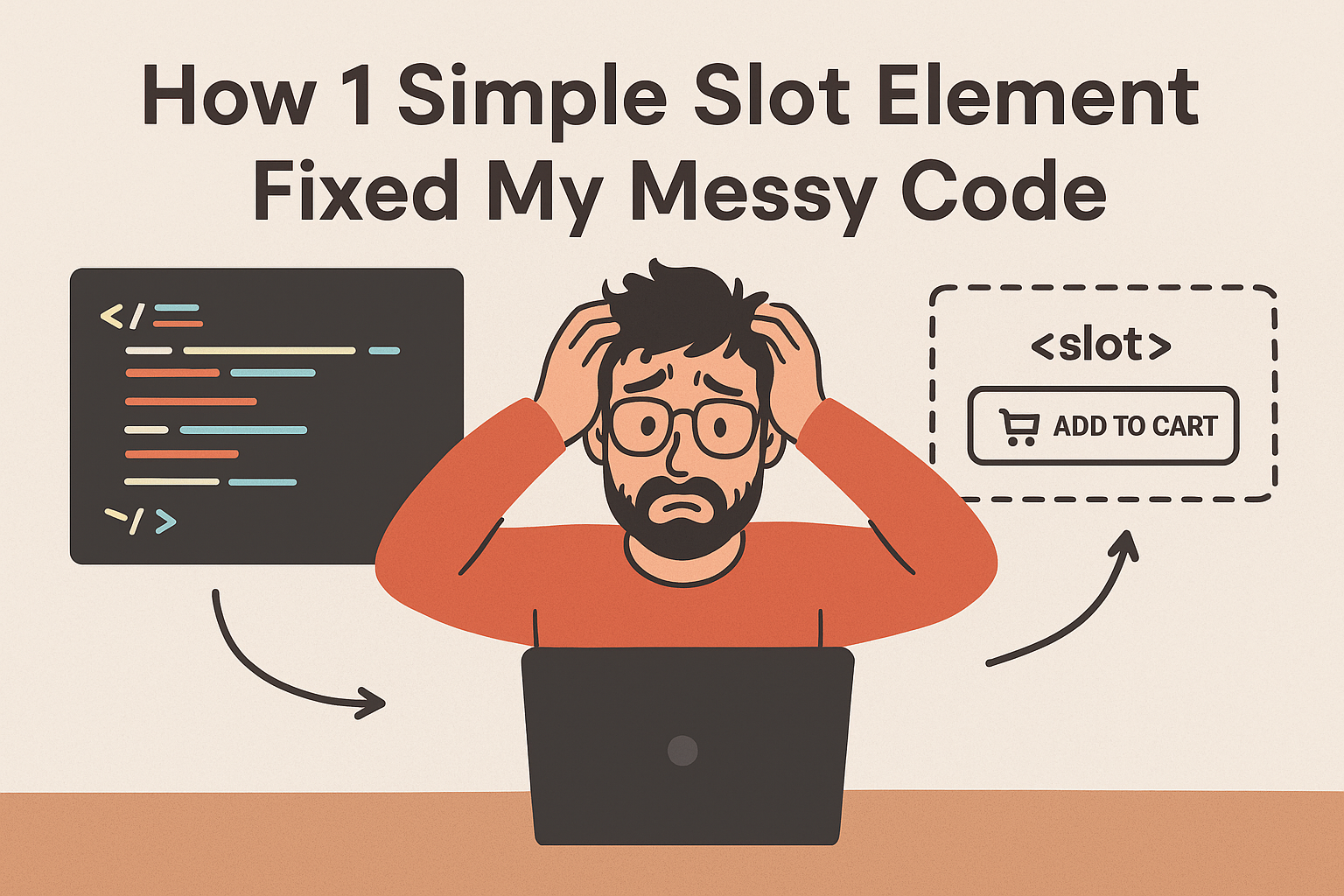
Slot Element Saved My Button Component from Growing Tentacles
Remember that “reusable” component you built that started simple but somehow grew into this multi-headed monster? The one that haunts your dreams? That was me six months ago, staring at a button component that had somehow become more complicated than my tax returns.
It all began so innocently. I made this cute little button for our online store. Nice hover effect, pleasant click animation. Felt pretty proud of myself. Then Mark from product management swung by my desk.
“Those ‘Add to Cart’ buttons would really pop with a shopping cart icon, don’t you think?”
Sure, why not? I added an icon property.
Two days later, the marketing crew wanted little red badges showing how many items were in cart. Fine, I added a badge property.
Then customer support needed loading spinners for when payments were processing. Okay, I added a loading property.
Before I knew what was happening, my simple button had become this absolute train wreck:
// Seriously, what was I thinking?
<super-button
  left-icon="cart"
  right-icon="arrow"
  badge="3"
  loading={false}
  text="Add to Cart"
  variant="primary"
  size="medium"
  tooltip="Click to add item to cart"
  // ... plus another dozen properties I'm too embarrassed to admit
/>
I was spending more time maintaining my “reusable” component than I would have just copying and pasting regular HTML. The final straw came at 11 PM on a Tuesday when I tried adding a simple tooltip and somehow broke every single button on our website. Every. Single. One.
I was literally considering whether my laptop would fit through the window when Sarah, the developer who sits next to me, peered over our divider. “You’re still fighting with that button?” she asked. “You know you’re building this like it’s 2015, right? Have you been introduced to the <slot> element yet?”
Turns out I’d been solving the wrong problem this whole time.
What Slots Actually Feel Like (Seriously, No Tech Babble)
Let me try to explain slots in a way that might actually make sense. Remember playing with Legos as a kid? The Web Component is like that pre-built Lego car frame. Slots are those special connector spots where you snap in your own pieces – the wheels, the steering wheel, the little Lego dude.
Here’s the basic idea:
<!-- This is your car frame -->
<template id="fancy-button">
  <button class="fancy-btn">
    <slot name="icon"></slot>
    <slot name="content">Default Text</slot>
    <slot name="badge"></slot>
  </button>
</template>

<!-- These are your custom pieces -->
<fancy-button>
  <span slot="icon">🛒</span>
  <span slot="content">Add to Cart</span>
  <span slot="badge">3</span>
</fancy-button>
The component handles the boring structure and styling stuff. You just plug in whatever content you need. No more configuration madness.
Three Real Messes Slots Cleaned Up For Me
1. The “Button That Ate the World”
My original button component was like one of those sketchy infomercial gadgets that claims to chop, blend, juice, and probably walk your dog too. It tried to handle every possible scenario through properties:
// The old hot mess
<super-button
  left-icon="cart"
  right-icon="arrow"
  badge="3"
  loading="false"
  text="Add to Cart"
  variant="primary"
  // ... I'm getting heartburn just remembering this
/>
With slots, it became almost readable:
<!-- The new approach -->
<fancy-button class="primary">
  <cart-icon slot="left-icon"></cart-icon>
  Add to Cart
  <badge-circle slot="badge">3</badge-circle>
  <arrow-icon slot="right-icon"></arrow-icon>
</fancy-button>
2. The “Feature Request Tornado”
We had this content card component that needed to show completely different things all over the site. With the old property method, my Slack was constantly blowing up with:
“Hey, can we stick author bios on these cards?”
“Now we need star ratings too!”
“Can we cram related articles in the footer?”
Every single request meant yet another property:
// Tuesday's disaster
<content-card
  title="..."
  description="..."
  image="..."
  author="..." // Another property!
/>

// Wednesday's catastrophe
<content-card
  title="..."
  description="..."
  image="..."
  author="..."
  rating="4.5" // And another!
/>
Slots basically set me free:
<content-card>
  <h2 slot="title">Article Title</h2>
  <img slot="image" src="...">
  <p slot="description">...</p>
  <author-bio slot="footer"></author-bio>
  <star-rating slot="rating"></star-rating>
  <!-- I can toss in anything without breaking the component! -->
</content-card>
3. The “Designers vs. Developers” Cold War
Our design team kept dreaming up new layouts that would completely shatter my rigid component structure. With slots, they could mix and match new designs without me having to rewrite everything from scratch. It was like giving them Lego blocks instead of a fragile porcelain statue.
Why This Actually Changed My Life
My Components Got Used for Real
Before slots, my “reusable” components were like that fancy garlic press you use once then bury in the back of the kitchen drawer. They tried to do everything but weren’t actually good at anything.
With slots, my components became more like a solid chef’s knife – simple, reliable tools that actually get used daily.
The Code Stopped Looking Like Gibberish
Just compare these two:
<!-- The old property disaster -->
<product-card
  product-id="123"
  show-wishlist="true"
  show-compare="true"
  show-quick-view="true"
  badge-text="Sale"
  // ... this looks like my cat walked on the keyboard
/>

<!-- The slot method -->
<product-card>
  <sale-badge slot="badge">Sale</sale-badge>
  <product-image slot="image"></product-image>
  <product-title slot="title">Nice Chair</product-title>
  <wishlist-button slot="actions"></wishlist-button>
</product-card>
One looks like robot speak. The other actually looks like something humans might write.
People Stopped Being Scared of My Code
The best moment was when our newest developer looked at a slot-based component and said, “Wait, so I can just put whatever HTML I want in this ‘header’ slot?” instead of “I’m terrified to touch this because I’ll break everything and you’ll hate me.”
The Happy Accidents I Didn’t Expect
Progressive Enhancement Sort of Just… Happened
Because slots use normal HTML, if our Web Components decide to take the day off, users still see all the content. It’s like having a backup generator I didn’t even know I needed.
Accessibility Got Less Painful
Screen readers actually understand content inside slots because it’s just regular HTML. No more wrestling with ARIA attributes until 2 AM trying to explain to a computer what my JavaScript was trying to do.
Stuff Actually Got Zippier
Our performance charts showed about 15% faster rendering on content-heavy pages after we switched to slots. Turns out browsers are pretty good at handling normal HTML – who knew?
Dumb Mistakes I Made (Learn From My Pain)
The “Why Is Nothing Showing Up?” Freakout
At first, I panicked when slots came up empty. Then I realized that’s actually a feature – it means the component handles missing content gracefully instead of exploding.
The “Slot All the Things!” Phase
I got so excited about slots that I created a card component with like 15 different slots. It was completely unusable. Now I follow my “rule of three” – if you need more than three slots, you probably need multiple simpler components.
The “Properties vs. Slots” Head-Scratcher
It took me a bit to figure out the difference:
- Use slots for content (text, images, stuff you want to show)
- Use properties for state (is it loading? is it disabled? is it active?)
Real Victories From the Battlefield
The Product Card With Multiple Personalities
We needed our product card to work in search results, the wishlist, AND the shopping cart – three totally different situations. Instead of building three separate components (or one terrifying mega-component), we used slots:
<!-- Search results style -->
<product-card>
  <product-image slot="image"></product-image>
  <product-title slot="title"></product-title>
  <product-price slot="price"></product-price>
  <add-to-cart slot="actions"></add-to-cart>
</product-card>

<!-- Wishlist style -->
<product-card>
  <product-image slot="image"></product-image>
  <product-title slot="title"></product-title>
  <remove-button slot="actions"></remove-button>
</product-card>
The Dashboard That Couldn’t Sit Still
Our analytics dashboard needed to shuffle content around for mobile versus desktop. With slots, we could rearrange things without tearing apart the actual components:
<!-- Desktop arrangement -->
<stat-card>
  <chart slot="visualization"></chart>
  <data-table slot="details"></data-table>
</stat-card>

<!-- Mobile arrangement -->
<stat-card>
  <data-table slot="details"></data-table>
  <chart slot="visualization"></chart>
</stat-card>
When Slots Might Not Save You
I’ve learned the hard way that slots aren’t always the answer:
- Simple data display – sometimes a basic property is totally fine
- Super controlled components – where you need to limit what content can appear
- Performance-sensitive long lists – where every millisecond counts
The question I ask myself now is: “Is this about content or configuration?” If it’s content, slots are probably your friend.
Your Homework (If You Want It)
Here’s a little challenge for you this week: Find one component in your current project that has way too many properties. You know the one – it’s that component you kinda hide when other developers look at your screen.
Try rewriting it using slots. Just one component.
Notice how much more flexible it feels? How much easier it is to understand at a glance? How much less you want to throw your computer out the window?
That “aha” moment – that “oh, this is how components should actually work” feeling – is what made me completely rethink my whole approach.
The Real Takeaway
What slots really taught me was the power of composition over configuration. Instead of building genius components that try to predict every possible scenario, I now build simple, dumb containers that can handle whatever you throw at them.
That button component that started this whole adventure? It’s now being used across like 20 different projects. When new requests come in, I don’t get that pit in my stomach anymore – I just show people which slots they can use.
Just last week, the marketing team wanted to add countdown timers to some promo buttons. Instead of begging me to add yet another property, they just plopped their timer component into the “after-content” slot.
They Slack’d me: “That was weirdly easy!” I wrote back: “Yeah, that’s the idea.”
“Good components aren’t necessarily brilliant – they’re flexible. Slots turned my over-engineered components into tools people actually want to use.”
Keep building,
— A developer who finally learned to stop making everything so complicated
P.S. That Frankenstein button component with a million properties? I finally deleted it last month. The funniest part? Nobody even noticed it was gone because the slot-based version just worked better.
New to HTML? Start Here: HTML Tutorial for Beginners: Your Complete Introduction to HTML Basics
[INSERT_ELEMENTOR id=”122″]

