 Skip to content
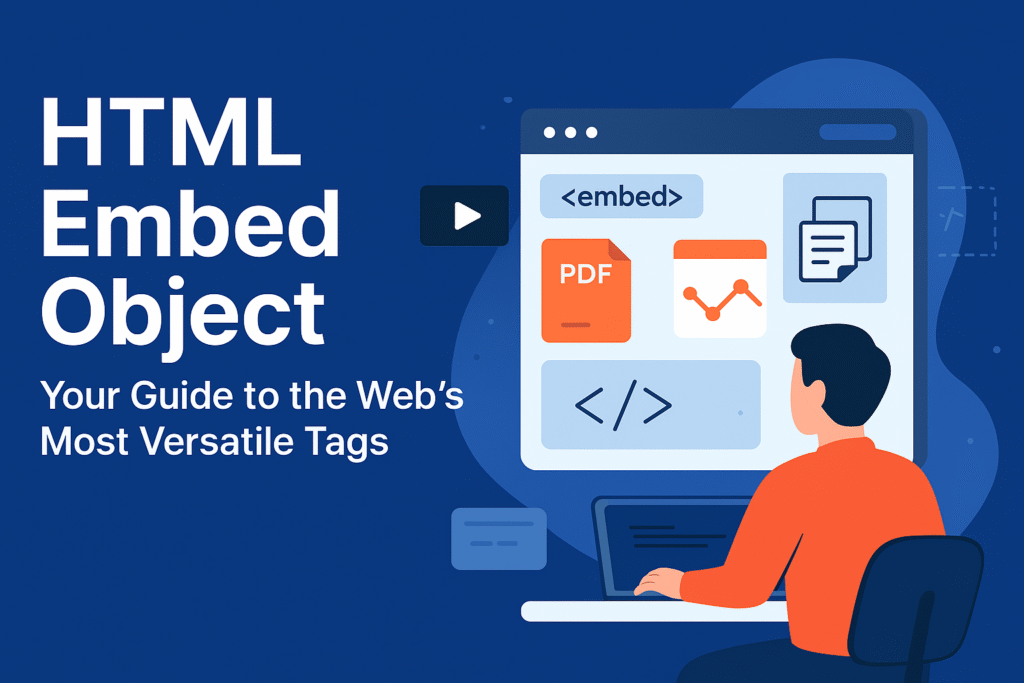
HTML Embed Object: Your Guide to the Web’s Most Versatile Tags
The HTML embed object tags are the secret weapons you need when standard images and videos just won’t cut it. Ever been asked to “just put this PDF on the page” or to make an interactive chart work properly? This is where the classic <embed> and the robust <object> elements come into play. They’re the multi-tools of web development—not always the flashiest, but absolutely essential for handling content that’s outside the ordinary.
While the <img> and <video> tags get all the glory, understanding the HTML embed object duo is what separates a good developer from a great one. They let you tackle those weird, one-off requests with confidence.
Understanding the HTML Embed Object Family
At their heart, both <embed> and <object> serve the same fundamental purpose: they are containers for external resources. However, they approach the task with different philosophies and histories.
Meet <embed>: The Straight-Shooting HTML Embed Object
The <embed> element is the older, more straightforward of the two. It’s a simple, self-closing tag that gets right to the point. You give it a source, and it does its best to load that content.
html
<embed src="company-handbook.pdf" width="800" height="600">
This line of code is a perfect example of a basic HTML embed object in action. It’s instructing the browser to handle a PDF file.
Meet <object>: The Resilient HTML Embed Object
The <object> element is the more formal, resilient cousin. Its killer feature is a built-in Plan B. If the browser can’t display the primary file, it will show whatever content you place inside the tag.
html
<object data="interactive-chart.svg" type="image/svg+xml" width="400" height="400">
  <p>Whoops! Looks like your browser can't show this fancy animation. <a href="cool-animation.png">Here's a regular picture instead.</a></p>
</object>
This fallback mechanism makes the <object> tag an incredibly robust type of HTML embed object, perfect for ensuring a good user experience even when things go wrong.
A Practical Guide to Using Your HTML Embed Object
So, which HTML embed object should you use? Here’s a straightforward breakdown:
- Prefer
<object>for robustness. Its built-in fallback content makes it the more reliable and accessible choice. If you are embedding a PDF, an SVG, or any other resource where failure is a possibility, this provides a safety net. - Use
<embed>for simplicity. For quick tasks where you’re confident the content will work, the<embed>tag is perfectly fine. It’s one line of code and you’re done. - For interactive SVGs, both work, but
<embed>is often simpler and more concise. - For PDFs, either can work, but many modern sites use a dedicated JavaScript library for a better user experience than the native browser viewer.
The Modern Role of the HTML Embed Object
The classic use for an HTML embed object—loading plugin-based content like Flash—is dead. But these tags are far from obsolete. They’ve gracefully adapted to new jobs:
- PDF Embedding: This is the most common modern use for an HTML embed object. Both tags can display a PDF directly in the page.
- Interactive SVG Integration: This is a huge one. While you can use an
<img>tag for a static SVG, using an HTML embed object like<object>or<embed>allows the SVG’s internal scripts and interactivity to function. - Legacy Content Maintenance: For old intranet applications that still rely on Java applets, the
<object>HTML embed object is often the only thing keeping them running. - Embedding External Applications: Sometimes, a complex web app is built as a single bundle meant to be dropped into another site using these tags.
Styling Your HTML Embed Object Containers
You can style the containers of any HTML embed object with CSS, just like any other element. You can control their dimensions, add borders, and apply shadows.
css
object, embed {
  border: 1px solid #ddd;
  border-radius: 8px;
  box-shadow: 0 2px 5px rgba(0,0,0,0.1);
  margin: 20px 0;
}
This gives your embedded content a nice, polished frame. Just remember—you’re styling the frame, not the painting inside. The PDF or SVG inside will look however it looks; you’re just controlling the box it sits in.
Wrapping Up: Essential Tools for Your Toolkit
Look, you might not use an HTML embed object every day. They’re not the rock stars. They’re the session musicians you call when you have a specific, tricky job. They’re specialized, a bit niche, but utterly invaluable when you need them.
So next time someone asks you to embed something that isn’t a simple image or video, don’t panic. Remember these two versatile tags. Mastering the HTML embed object empowers you to handle a diverse range of content, ensuring your web projects can hold just about anything.
New to HTML? Start Here: HTML Tutorial for Beginners: Your Complete Introduction to HTML Basics
[INSERT_ELEMENTOR id=”122″]

