 Skip to content
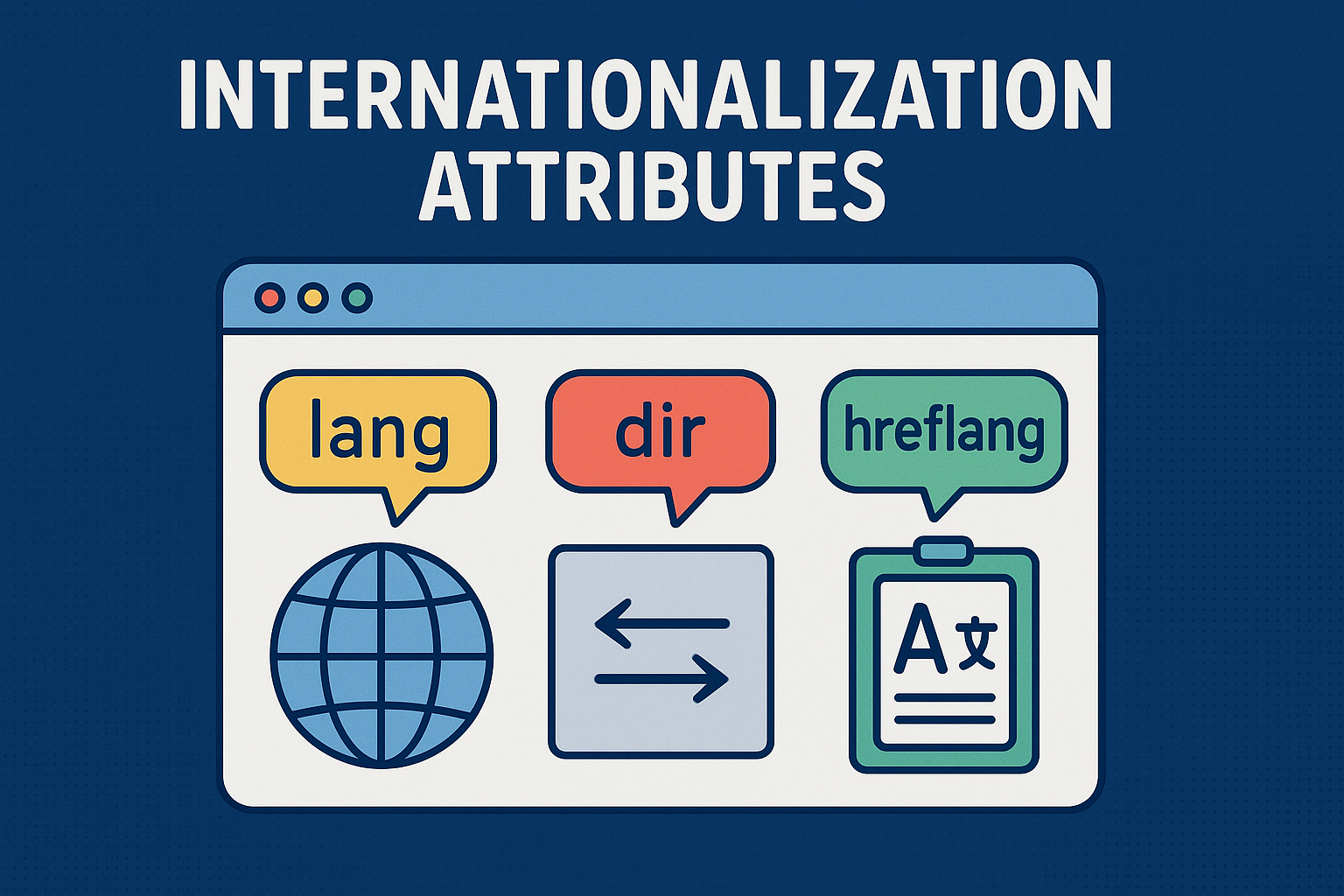
Master internationalization attributes to make your website truly global, not just translated.
Let’s be honest. You’ve put in the work. You’ve gotten your content translated into Spanish, French, maybe even Japanese. You’ve launched the new language versions, patted yourself on the back, and waited for the international traffic to roll in.
But then you check your analytics, and something’s off. Bounce rates are high in your new markets. Or maybe you get a confused email from a user in Saudi Arabia saying the Arabic text on your site “looks broken.”
What’s going on? The problem often isn’t your translations it’s your HTML. You’ve taught your website new words, but you haven’t taught it how to speak them properly using the right internationalization attributes.
This is where three incredibly simple but powerful internationalization attributes come to the rescue: lang, dir, and hreflang. Think of them as the secret sauce that takes your site from just being “translated” to being truly “global ready.”
Understanding the Lang Internationalization Attribute
The lang attribute is the most basic of the internationalization attributes, and you’ve probably seen it before. It sits right there in your <html> tag, quietly declaring the language of your page.
But this little attribute does some seriously heavy lifting:
- It’s a Guide for Screen Readers: Imagine a screen reader trying to read English text using German pronunciation rules. It would be a mess. The
langattribute tells assistive technologies, “Hey, use the English voice pack for this part,” or “Switch to Japanese processing for this section.” It’s fundamental for accessibility. - It Helps with the Little Things: Browsers use this hint for typography. It can affect which fonts are chosen and how punctuation is rendered. In French, for instance, quotes look like this: « Bonjour ». This internationalization attribute helps get those small but important details right.
- It Whispers to Search Engines: It tells Google, “This content is meant for people who speak this language”, helping your SEO in different regions.
Here’s how you use this essential internationalization attribute, not just for the whole page, but for bits of content in other languages:
html
<!DOCTYPE html>
<html lang="en">
<head>
  <title>My Travel Blog</title>
</head>
<body>
  <p>This paragraph is in English.</p>
  <p>My friend said: <span lang="fr">"C'est la vie!"</span></p>
</body>
</html>
See? We’re telling the browser that most of the page is in English, but that one little phrase is in French. It’s a small act of consideration that makes a big difference.
Mastering the Dir Internationalization Attribute
Now, let’s talk about direction. For languages like English, we read left to right. It’s so ingrained we don’t even think about it. But for Arabic, Hebrew, and others, the natural flow is right to left.
The dir internationalization attribute controls this. You set it to ltr (left-to-right) or rtl (right-to-left).
And this is where it gets really cool it doesn’t just move the text. It flips the entire layout.
When you set dir="rtl" on your page:
- Text aligns to the right.
- Your website’s layout mirrors itself. Elements in a navigation menu or a grid will start from the right side and flow left.
- Scrollbars appear on the left.
Check out how you’d structure a page in Arabic using these internationalization attributes:
html
<!DOCTYPE html>
<html lang="ar" dir="rtl">
<head>
  <title>موقعي الإلكتروني</title> <!-- "My Website" -->
</head>
<body>
  <h1>أهلاً بكم في موقعي</h1> <!-- "Welcome to my site" -->
  <p>هذه فقرة نصية باللغة العربية.</p>
</body>
</html>
If you only set lang="ar" but forget the dir="rtl", the Arabic letters will appear, but they’ll start on the left-hand side, which is completely backwards for a native reader. It immediately feels broken and unwelcoming.
Using Hreflang Internationalization Attributes for SEO
This one is a bit different. While lang and dir help users who are already on your site, hreflang helps users find the right version of your site in the first place.
Think of hreflang as putting up signs for Google. It says, “I know you have users from all over the world. For the user searching in France, please show them the French version of this page. For the user in Mexico, show them the Spanish version.”
This is crucial for SEO. It prevents “duplicate content” issues and makes sure the right person finds the right page using these powerful internationalization attributes.
You put these signs in the <head> of your HTML:
html
<head>
  <title>My Awesome Global Store</title>
  <!-- Here are the signs for Google -->
  <link rel="alternate" hreflang="en" href="https://mystore.com/" />
  <link rel="alternate" hreflang="es" href="https://mystore.com/es/" />
  <link rel="alternate" hreflang="fr" href="https://mystore.com/fr/" />
  <link rel="alternate" hreflang="x-default" href="https://mystore.com/" />
</head>
A quick guide to the signs:
hreflang="en": For all English speakers.hreflang="es": For Spanish speakers.hreflang="x-default": The default page for everyone else.
Putting Internationalization Attributes into Practice
Let’s see how these internationalization attributes work in a real-world scenario. Imagine you’re a journalist writing a story that includes a quote from an official in the Middle East.
html
<!DOCTYPE html>
<html lang="en" dir="ltr">
<head>
  <title>Global News Network</title>
  <!-- Telling search engines about our other language versions -->
  <link rel="alternate" hreflang="es" href="https://news.com/es/article-1" />
  <link rel="alternate" hreflang="ar" href="https://news.com/ar/article-1" />
</head>
<body>
  <article>
    <h1>New Trade Agreement Signed</h1>
    <p>Here's the main story in English...</p>

    <!-- Here's the official's direct quote -->
    <blockquote lang="ar" dir="rtl">
      قال الرئيس: "هذا اتفاق تاريخي".
    </blockquote>

    <p>Translation: The President said, "This is a historic agreement."</p>
  </article>
</body>
</html>
In this one piece of code, we’ve thoughtfully used all three internationalization attributes to create a professional, accessible, and globally-aware experience.
Best Practices for Internationalization Attributes
- Be Precise: You can specify
en-US(American English) vs.en-GB(British English). This can affect spell-checkers and even search results when using these internationalization attributes. - Don’t Break the Chain:
hreflangis a two-way street. If your French page points to your English page as an alternate, your English page must point back to the French one. - Always Pair Them: For languages like Arabic,
lang="ar"anddir="rtl"are a package deal. One without the other is like serving a gourmet meal on a paper plate—the content is there, but the presentation is all wrong.
Why Internationalization Attributes Matter
At the end of the day, using internationalization attributes like lang, dir, and hreflang isn’t just a technical best practice. It’s a sign of respect. It shows your international users that you didn’t just run their language through a translator; you actually thought about their experience. You considered how they read, how they listen, and how they find you.
And in a global marketplace, that kind of respect enabled by proper internationalization attributes isn’t just good manners. It’s good business that helps you connect with audiences worldwide.
New to HTML? Start Here: HTML Tutorial for Beginners: Your Complete Introduction to HTML Basics
[INSERT_ELEMENTOR id=”122″]

