 Skip to content
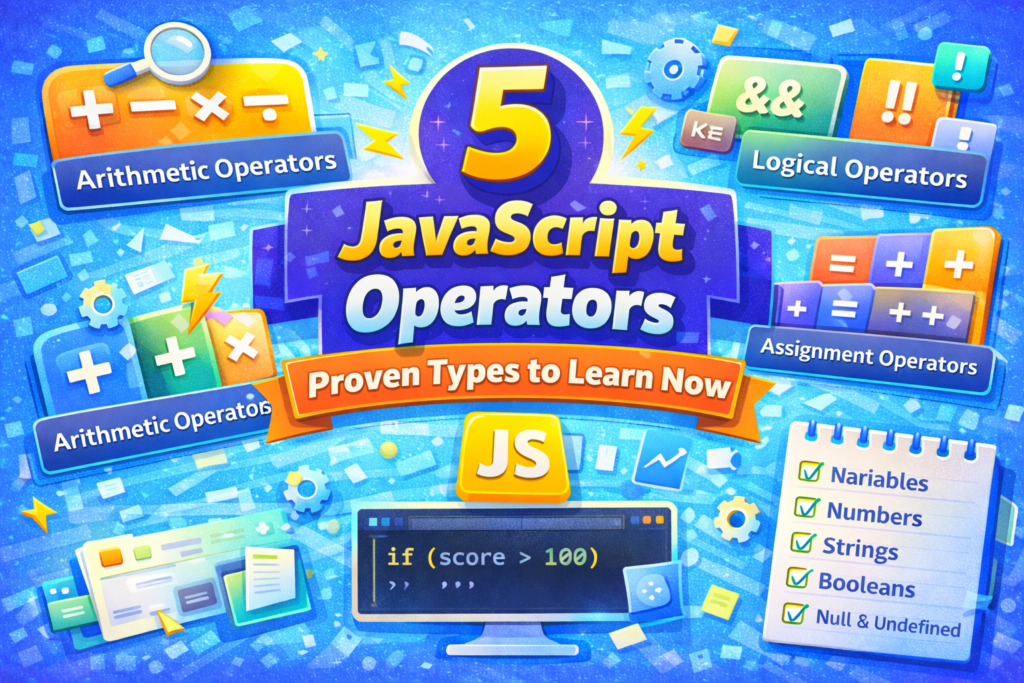
Understanding JavaScript operators is how you transition from merely keeping data to making some form of use out of it. If variables are the nouns of your code, operators are the verbs, they’re what make things happen.
Think about it. You have numbers stored in variables. Good. Now how do you add them up? You need an operator. You have a user’s age and you want to determine if the user is old enough to view particular content. You need another operator. Every time you act upon data, you need an operator.
If you are new to JavaScript, the operators may look like a lot of symbols to remember. Plus signs, equals signs, double equals, exclamation marks. However, they follow consistent patterns, and once you grasp the categories, the symbols themselves begin to make sense. Let us go over the five essential types of JavaScript operators you will be using in nearly every script you write.
1. Arithmetic Operators: Doing the Math
Arithmetic operators are exactly what they sound like they perform mathematical operations on numbers. Most likely, you have been utilizing most of the arithmetic operators since elementary school.
The addition operator (+) adds numbers together. The subtraction operator (-) subtracts numbers. The multiplication operator (*) multiplies numbers. The division operator (/) divides numbers. Finally, the modulus operator (%) calculates the remainder of a division operation. While this last one may be unfamiliar, it is a great tool for determining if a number is even or odd, or for creating circular behavior in games and animations.
Lastly, we have the exponentiation operator (**), which raises a number to a power. Instead of writing 2 ** 3, you can write Math.pow(2, 3). It is cleaner and easier to read.
Something to keep in mind with arithmetic operators is that JavaScript will attempt to find meaning in the operation when the operands are of different types. In other words, if you were to add a number and a string, you would likely receive results you did not anticipate. What happens is the number is converted to a string and concatenated with the string. Typically, this is not what you intended to occur. Keep in mind the types of objects you are working with.
2. Assignment Operators: Placing Values
As you have already seen the most basic assignment operator is the single equals sign (=). It assigns the value on the right-hand side to the variable on the left hand side. Easy enough.
However, JavaScript has compound assignment operators that include an operation along with an assignment. Instead of writing x = x + 5, you can write x += 5. Instead of writing y = y * 2, you can write y *= 2. Compound assignment operators accomplish two actions simultaneously: they execute the operation and then assign the resulting value back to the variable. Once you become accustomed to reading them, they can help make your code cleaner and easier to read. When you see counter += 1, you immediately realize that the purpose is to increase the counter.
3. Comparison Operators: Making Decisions
Comparison operators are the basis of decision making within JavaScript. They compare two values and provide a Boolean, either true or false. You will utilize comparison operators frequently in if statements, loops, and any time your program requires choosing between paths.
By far the most critical comparison operator is strict equality (===). Strict equality compares two values for equality while avoiding conversion between types. As a result, this is extremely important due to the fact that JavaScript’s loose equality (==) attempts to convert types, which can cause unexpected results. A string “5” is loosely equivalent to the number 5; however, they are not strictly equivalent. Unless you have a specific reason to utilize ==, always favor ===.
In addition to strict equality, you have inequality (!=), greater than (>), less than (<), greater than or equal to (>=), and less than or equal to (<=). Each of these comparison operators take two values and return a Boolean. These are the building blocks of logic in your programs.
4. Logical Operators: Combining Conditions
Logical operators allow you to join multiple Boolean expressions together to create more complex conditions. This is how you ask questions such as “Is the user logged in AND is the user’s account active?” or “Is the input empty OR is the input invalid?”
The AND operator (&&) returns true only if both conditions are true. The OR operator (||) returns true if either of the conditions are true. The NOT operator (!) reverses the Boolean value, !true becomes false, and !false becomes true.
Both the AND and OR operators have a behavior referred to as short circuit evaluation. With the && operator, if the left-hand side is false, JavaScript does not evaluate the right hand side, the final result will be false regardless. With the || operator, if the left hand side is true, the right hand side will never be evaluated. Short circuit evaluation can be beneficial when you are attempting to write concise conditional code; however, you should be aware of this behavior when the right hand side of the expression has side effects.
5. The Ternary Operator: A Brevity for Conditionals
The ternary operator is the sole JavaScript operator that utilizes three operands. It is a brevity method to create simple if… else statements. The format of the ternary operator is as follows: condition ? valueIfTrue : valueIfFalse.
If the condition is true, the ternary operator returns the first value. If the condition is false, the ternary operator returns the second value. The ternary operator is very helpful in providing a simple means to assign values based on a condition in a single line of code.
For instance, instead of creating several lines of code to determine the status of a message based on a user’s score, you can create a single line of code as follows: let message = score > 60 ? “Pass” : “Try Again”. The ternary operator is easy to read and is very effective for simple binary decisions. However, for complex logic with many branches, utilize regular if… else statements for readability. The ternary operator is ideal for simple decisions and will help you keep your code clean and readable.
Putting Them All Together
The five types of JavaScript operators discussed above are arithmetic, assignment, comparison, logical, and ternary, cover virtually all of the operations you will complete in your everyday JavaScript programming. They are the tools you turn to repeatedly.
Start by practicing with arithmetic operators. Practice calculating totals, averages, and remainders. Familiarize yourself with compound assignment. Create expressions using comparison operators and log the returned Booleans. Practice combining conditions using logical operators. Finally, practice using the ternary operator to create simple conditional assignments.
The more you use them, the more natural they will become. Eventually, you will stop thinking about “operators” as a separate concept, they will become a normal aspect of how you express logic in your code.
Important Checklist for JavaScript Operators
Below is a brief reference to aid your practice with JavaScript operators.
- Use === and !== for comparisons. Avoid == and != to avoid unexpected type coercion.
- Keep in mind operator precedence. Multiplication and division occur before addition and subtraction. Utilize parentheses to clearly demonstrate your intent.
- Utilize compound assignment. x += 5 is cleaner than x = x + 5.
- Be aware of short circuit evaluation. With && and ||, the right-hand side may not be executed.
- Utilize the ternary operator for simple conditionals. It is a concise method of creating conditional logic, but do not nest them, they become difficult to read quickly.
- When working with mixed types, be cautious. When adding a number and a string, JavaScript will concatenate rather than perform numeric addition.
- Recognize that ++ and — exist. Increment and decrement operators add/subtract 1 from a number. Be aware of the distinction between prefix and postfix forms.
For more in-depth studies of these topics, the MDN JavaScript Operators Guide has a comprehensive reference guide on each of the operators and provides examples. Additionally, the JavaScript.info section on operators is an excellent source for practical and clear explanations.
Learning JavaScript operators is essential because they are how you actually do things with your data. Variables hold data, but operators modify the data, compare the data, and make decisions based on the data. Become familiar with these tools, and you will be writing actual, functioning JavaScript in no time.
New to HTML? Start Here: HTML Tutorial for Beginners: Your Complete Introduction to HTML Basics
New to CSS? Start Here: CSS Introduction: Master 5 Core Concepts Easily
New to JavaScript? JavaScript Introduction: 5 Proven Steps to Learn JS
[INSERT_ELEMENTOR id=”122″]

