 Skip to content
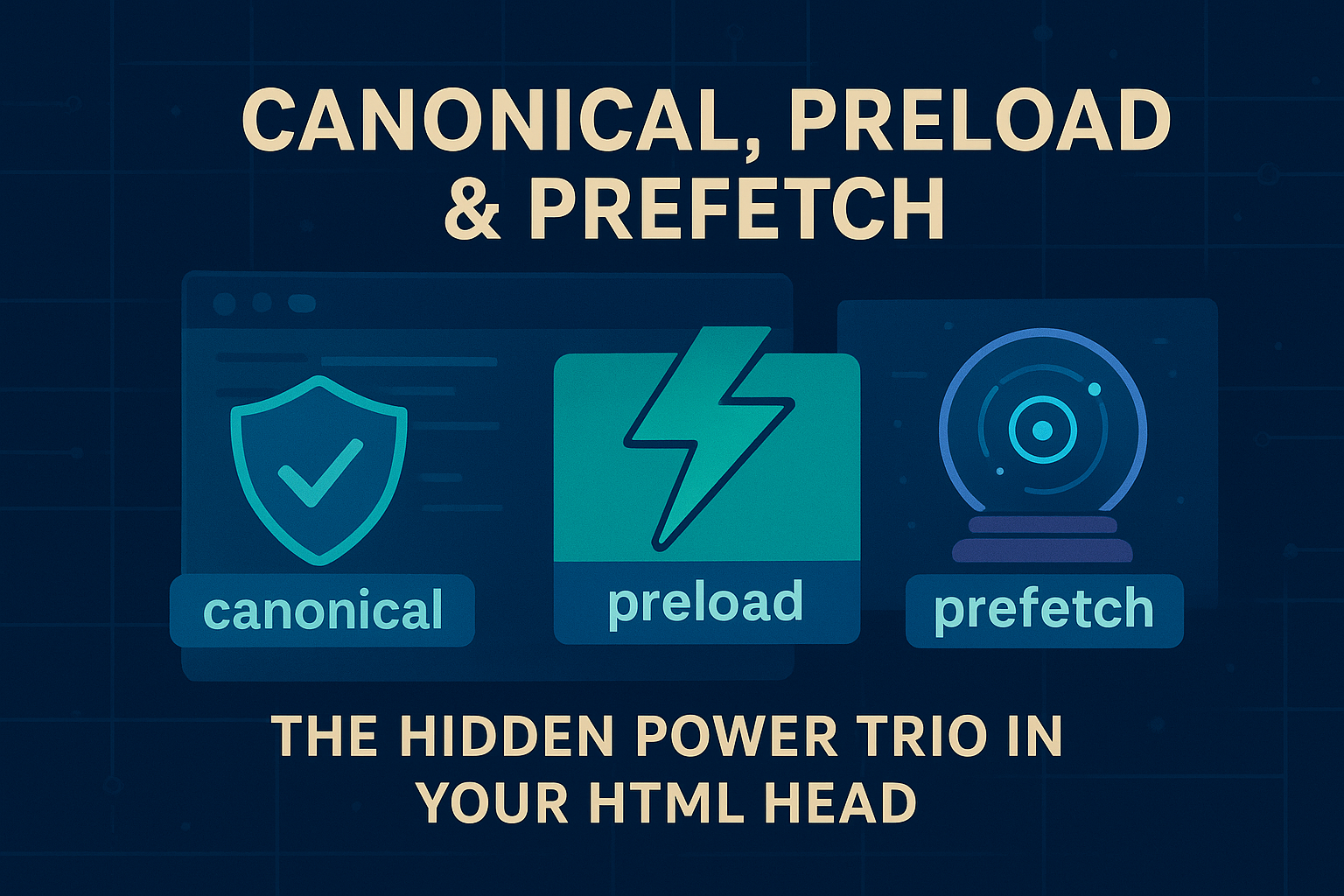
Master essential link relations to transform your website’s SEO and performance.
Let’s be honest, when was the last time you really thought about the <head> of your HTML document? For most of us, it’s that place we stick the title, some meta tags, and a link to our CSS file. We know it’s important, but we don’t really think about it. But what if I told you that tucked away in that often ignored section are a few simple lines of code that can completely transform your site’s SEO and performance? I’m talking about three powerful link relations that most developers overlook: canonical, preload, and prefetch.
Think of these link relations as your site’s secret agents. One fights SEO battles, and the other two are like psychic assistants that make your site feel lightning fast. Understanding these link relations is key to moving from basic web development to creating optimized, high performing sites. Let’s break them down.
Understanding Canonical Link Relations
Here’s a common problem you’ve probably run into. You have one product, but it can be reached from a few different URLs on your site. Maybe like this:yoursite.com/blue-widgetyoursite.com/sale/blue-widgetyoursite.com/products?item=blue-widget
To you, it’s the same product. But to Google, this looks like three separate but nearly identical pages. This confuses search engines, they don’t know which page to show in search results, so they might show the wrong one, or worse, split the “credit” for your page between all three URLs, hurting your rankings.
This is where the canonical link relation comes to the rescue. It’s your way of telling Google, “Hey, I know this looks messy, but this one over here is the main page. Please send all the traffic and SEO love to this URL.”
How it looks:
On the pages you don’t want to be the main one, you pop this into the <head>:
html
<link rel="canonical" href="https://yoursite.com/blue-widget" />
It’s like putting a sign on the duplicate pages that says, “The real party is next door.”
You’ll want this link relation when:
- You have an e-commerce site with filters (size, color, etc.)
- Your blog has pagination (page 1, page 2…)
- You have both
wwwand non-wwwversions of your site - You have a special print-friendly version of a page
This crucial link relation is your number one tool for stopping your site from competing with itself in search results.
Mastering Preload Link Relations
You know how sometimes a website seems to stutter while loading? The text shows up, but the fonts look weird for a second, or a big image pops in late? That’s often because the browser is discovering important files too late in the loading process.
The preload link relation is like cutting in line at a coffee shop. You’re telling the browser, “I don’t care what else you’re doing, download this file right now because we’re going to need it in a second.”
Here’s how you use this link relation:
html
<link rel="preload" href="super-important-font.woff2" as="font" type="font/woff2" crossorigin />
<link rel="preload" href="hero-image.jpg" as="image" />
<link rel="preload" href="critical-styles.css" as="style" />
Those little as attributes are important, they tell the browser what kind of file it’s grabbing so it can handle it properly.
Use this link relation for:
- Custom fonts that make your site look unique
- The big banner image at the top of your page
- Any CSS or JavaScript that’s absolutely essential for the page to work right
A quick word of warning: don’t go crazy with this link relation. It’s for your most important files only. If you preload everything, you’ll just create traffic jams.
Leveraging Prefetch Link Relations
Now, if the preload link relation is for what you need right now, prefetch is for what your user will probably want next. This link relation tells the browser, “When you have a free moment, could you quietly download this? Our visitor will probably click on it soon.”
It’s like a thoughtful host who sees you looking at the dessert menu and quietly tells the kitchen to start preparing the chocolate cake. When you finally order, it arrives surprisingly fast.
The code for this link relation is simple:
html
<link rel="prefetch" href="/next-article.html" as="document" />
<link rel="prefetch" href="/product-page.html" as="document" />
Great times to use this link relation:
- On the first post of a multi-part tutorial (prefetch part two)
- On a category page (prefetch the most popular product pages)
- On your homepage (prefetch the login page if lots of users go there)
- For videos or large images on the next page
The key difference between these link relations? preload is urgent. prefetch is a polite suggestion for later.
Combining Link Relations for Maximum Impact
The real magic happens when you use these link relations as a team. Imagine you’re running a news website. Your homepage’s <head> might look like this:
html
<head>
  <!-- Canonical link relation: This is THE homepage -->
  <link rel="canonical" href="https://my-newssite.com/" />

  <!-- Preload link relations: What we need RIGHT NOW -->
  <link rel="preload" href="/fonts/logo-font.woff2" as="font" crossorigin />
  <link rel="preload" href="/images/todays-big-story.jpg" as="image" />

  <!-- Prefetch link relation: What they'll probably click NEXT -->
  <link rel="prefetch" href="/trending-article" as="document" />
</head>
See what’s happening here with these link relations?
- Canonical is keeping our SEO clean and focused.
- Preload is making sure the page looks perfect as fast as possible.
- Prefetch is making the next click feel instantaneous.
Why These Link Relations Matter
Using these three link relations is what separates okay websites from great ones. It’s the difference between hoping the browser figures things out and actually telling it exactly what to do. Mastering these link relations will transform how you approach web development.
- Canonical is your SEO bodyguard – it handles the messy stuff so search engines see your site the right way.
- Preload is your speed demon – it grabs the important stuff first so your site feels snappy.
- Prefetch is your crystal ball – it anticipates what users want next, making your site feel smart and responsive.
Start using these three simple link relations. Your SEO will thank you, your users will love the speed, and you’ll feel less like someone who just writes code and more like someone who’s actually in control of how the web works. Understanding these essential link relations is crucial for any developer serious about building fast, SEO-friendly websites.
New to HTML? Start Here: HTML Tutorial for Beginners: Your Complete Introduction to HTML Basics
[INSERT_ELEMENTOR id=”122″]

