 Skip to content
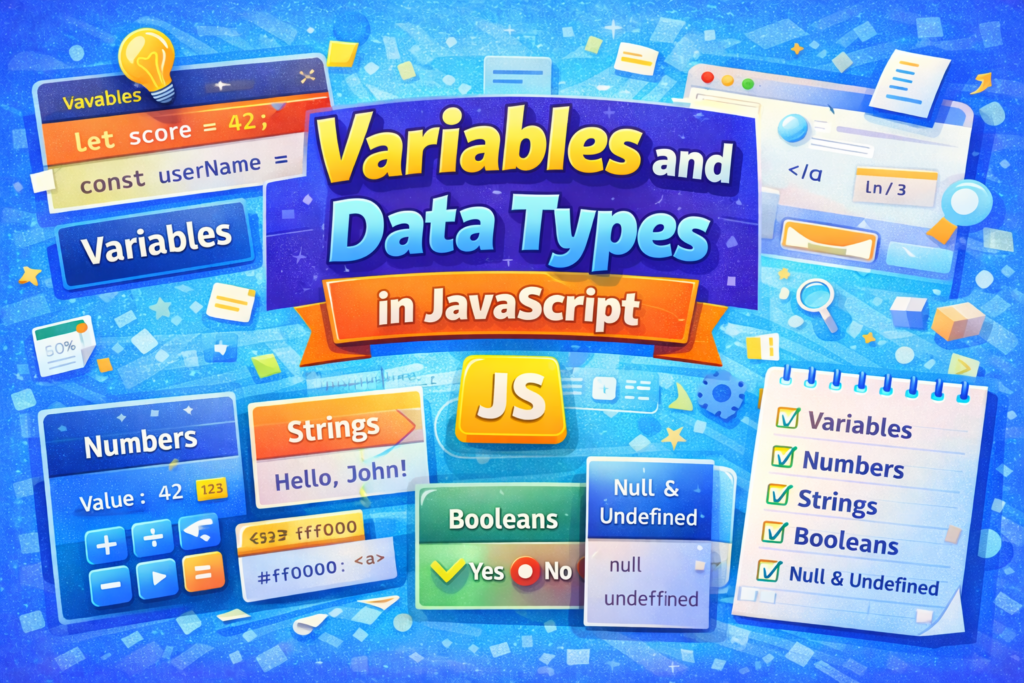
Variables and Data Types in JavaScript: A Beginner’s Guide
JavaScript provides a lot of power in working with data. Every program you develop whether it is a basic counter or a sophisticated web app, is based upon a sequence of operations performed upon data. To begin doing anything useful, you must know how to store the data and what kinds of data you can perform operations upon. That is where JavaScript variables and data types fit in.
If you are new to programming, these concepts may seem abstract at first. Once you see them in action, however, they become second nature. We will break down the essentials in a manner that is easy to comprehend.
1. Variables: Where You Store Your Data
A variable is a storage area for information in the simplest form. You give it a name, place a value within it and then use that name through your code to refer to that value. It is like having labeled containers on a shelf. You fill them up with products, and then you can get those products anytime you want them without having to reach for the product packaging again.
In JavaScript, you create variables using three words: let, const, and var. Var is used for backward compatibility, so we will focus on let and const.
Use let when you plan on changing the value later. Think of it as a container that you may replace the contents of. Initially, you may place apples in it, but you can replace them with oranges later.
Use const when you want the value to remain the same. Think of this as a sealed container, once you place something in it, it is locked. Using const is ideal for values that should never change such as the name of a website, a constant in mathematics, etc.
Var is used mainly in older code. You may see it used in older tutorials, but for modern JavaScript, use let and const. They are more predictable, and therefore less prone to producing bugs.
Your variable names should be descriptive. Instead of naming a variable x or data, name your variable something that will help you identify what the variable represents six months from now. Such as, userName, priceTotal, etc.
2. Numbers: The Foundation of Arithmetic Operations
The representation of numbers in JavaScript is very straightforward, with the exception of a couple of characteristics that are important to be aware of. You can have whole numbers like 42, or decimal numbers like 3.14. JavaScript treats whole and decimal numbers as the same type, making them easier to manage.
You can perform all the standard arithmetic operations with numbers including addition, subtraction, multiplication, and division. You can also perform a modulus operation (%) to obtain the remainder of a division operation, which is often times helpful for determining if a number is even.
There is one thing to keep an eye on with regards to performing arithmetic operations with numbers, floating point operations can sometimes produce unpredictable results. For example, 0.1 + 0.2 produces 0.30000000000000004 instead of 0.3. This is not a bug in JavaScript, this is how computers represent decimal numbers in binary. In general, this is not an issue, unless you are performing financial calculations and require precise results, you will need to take additional steps to ensure accurate results.
JavaScript has specific values that indicate infinity, negative infinity, and Not a Number (NaN) for numbers. NaN is produced when you attempt to perform an arithmetic operation that does not make sense, such as dividing a number by a string.
3. Strings: Managing Text in JavaScript
Strings are how you manage text in JavaScript. You can define strings using either single quotes, double quotes, or backticks. Developers typically choose a method and use it consistently.
Backticks provide a special capability known as Template Literals. Template Literals allow you to embed variables directly into a string using ${} syntax. Rather than struggling with plus signs to join together text and values, you can create a string like Hello, ${userName}!, and JavaScript will insert the variable automatically.
String objects have many built-in methods to accomplish common tasks. You can change the case of a string using toUpperCase(), and toLowerCase(). You can determine the length of a string using .length. You can pull parts of a string using slice(), and substring(). You can replace text in a string using replace().
Remember, strings are immutable, once you have created a string, you cannot modify the string directly. String methods appear to modify a string, but they actually return a new string. The original string remains unchanged.
4. Booleans: True/False Decision Making
Booleans are the most basic data type, a boolean can only be true or false. However, do not underestimate them. Booleans are the basis of all decision making in your code.
Every time you use an if statement, you are evaluating a condition to determine whether that condition is true or false. Are you logged in? That is a boolean. Is the number greater than 10? That is a boolean. Is the input field empty? That is a boolean.
All comparison operators including ===, >, <, and !== produce a boolean result. === compares for exact equality – the same value and the same type. == is looser and attempts to convert the types of the operands, which can lead to confusing results. Stick to === and you will avoid a large class of bugs.
You can combine booleans using logical operators: && (AND), || (OR), and ! (NOT). Logical operators allow you to construct complex conditions from simpler conditions.
5. Undefined, Null, and Type Checking
JavaScript has two values that represent “nothing” – undefined and null. While they are somewhat similar, they are used differently according to convention.
undefined indicates that a variable has been declared, but has not been assigned a value yet. JavaScript defaults to using this value. null is a value you assign to an object to indicate that the object has no value. Think of undefined as an empty box that was never filled, and null as a box that you deliberately chose to leave empty.
You can determine the type of any value using the typeof operator. The typeof operator will return a string that represents the type of the value such as “number”, “string”, “boolean”, “object”, or “undefined”. This is particularly useful when you are unsure what type of data you are dealing with.
One peculiarity – typeof null will return “object”. This is a well established bug in JavaScript, and it cannot be corrected without breaking existing code. Be aware of this.
Putting It All Together
The five concepts you have learned about – variables, numbers, strings, booleans, and type checking are the fundamental building blocks of JavaScript programming. You will be using each of these concepts in virtually every script you write.
Practice creating variable declarations. Create a let for a score that changes, and a const for your name that does not change. Perform arithmetic operations with numbers. Use template literals to combine strings. Evaluate conditions using booleans. Print out values and evaluate their types using typeof.
The more you work with these foundational concepts, the more natural they will become. Before too long, you will find yourself going to them instinctively without realizing it.
JavaScript Variables and Data Types Essential Checklist
Below is a quick reference to aid you in your practice as you continue learning JavaScript variables and data types.
Use let when you expect to change the value. Any score that increments, user input, anything that needs to be updated.
Use const when you expect the value to remain the same. Configuration items, references to DOM elements, constant values.
Do not use var for new code. Var has function scope, while let and const have block scope, causing much confusion.
Keep in mind string immutability. String methods appear to alter a string, but they actually return a new string. The original string remains unchanged.
Be careful with type coercion. Always compare using === to avoid unexpected type conversions.
Handle NaN carefully. NaN is the only value in JavaScript that is not equal to itself. Always check for it using isNaN().
Understand the difference. undefined means the value has not been assigned; null means the value has been intentionally set to nothing.
To explore these concepts in more detail, the Mozilla Developer Network (MDN) JavaScript Guide has extensive documentation on all the different types of data and how variables behave. Additionally, JavaScript.info has an excellent section on variables that provides practical examples of each concept.
Once you master JavaScript variables and data types, you will be taking a major step forward in becoming a confident developer. These fundamentals never disappear, they are the foundation of every framework and library you will encounter. Familiarize yourself with these concepts, and everything else becomes easier.
New to HTML? Start Here: HTML Tutorial for Beginners: Your Complete Introduction to HTML Basics
New to CSS? Start Here: CSS Introduction: Master 5 Core Concepts Easily
[INSERT_ELEMENTOR id=”122″]

