 Skip to content
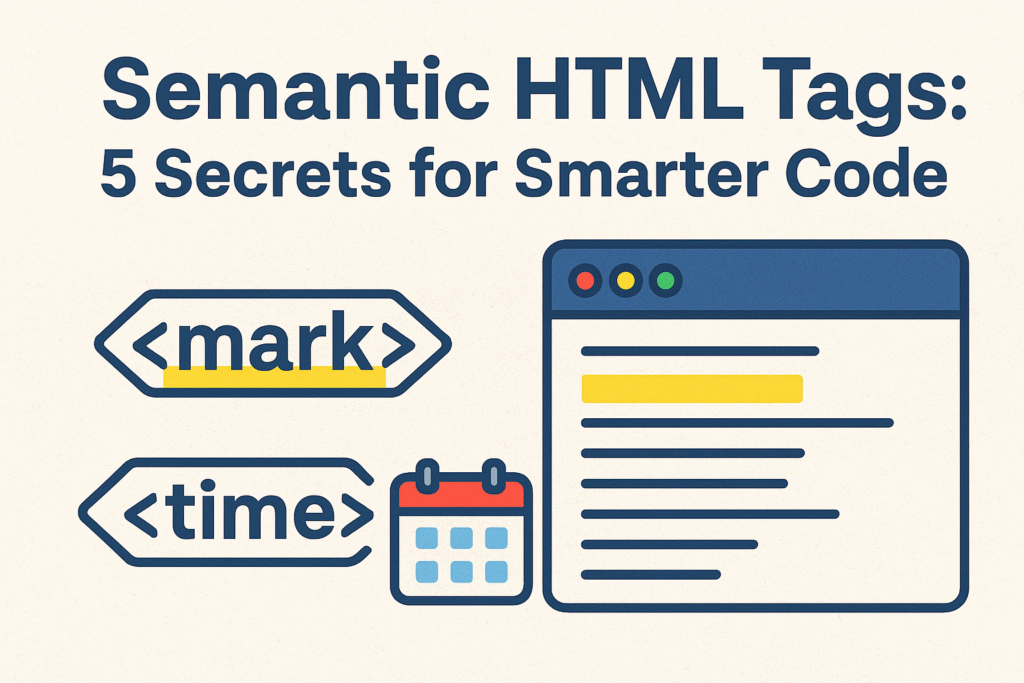
Stop Using <div> for Everything: Meet HTML’s Secret Super Tags
You know how it goes. You’re building a site, you need to highlight a bit of text or display a date, and your fingers automatically type <span class="highlight"> or just slap the date in plain text. It works, it looks fine, and you move on. I’ve done it a thousand times.
But what if I told you that by sticking to these old habits, we’re missing out on a couple of HTML’s quietest, yet most powerful, elements? I’m talking about <mark> and <time>. These aren’t just fancy presentational tags; they’re like leaving secret, meaningful notes for browsers, search engines, and assistive technologies. They don’t just style content—they give it context and purpose.
<mark> Isn’t a Highlighter; It’s a Context Flag
Okay, let’s be real: the <mark> tag does look like a highlighter. It wraps your text in a lovely shade of default yellow. It’s easy to write it off as just a visual tool. But that’s where we’d be wrong.
The real magic of <mark> is in its meaning. It says, “This text is relevant right now, in this specific situation.” You’re not just making it yellow; you’re flagging it as important for a particular reason.
Think about it:
- When you use a search bar: The results page highlights your search terms. That’s the perfect job for
<mark>. It’s telling the user, “Hey, this text is here because you searched for it.” - When you’re quoting a long article: You might pull out the one sentence that perfectly proves your point. Wrapping that sentence in
<mark>is like saying, “Pay attention to this part in particular.” - In a classroom app: A teacher highlights a key historical date for their students. Using
<mark>semantically marks that text as being highlighted for a specific, purposeful reason.
Here’s how simple it is in action:
html
<p>After sifting through all the data, what really caught our eye was the <mark>unexpected budget surplus</mark> in Q2.</p>
See? We’re not just making “unexpected budget surplus” stand out. We’re specifically marking it as the key finding, the relevant detail in that sentence.
“But why can’t I just use a <span> with a background color?” I hear you, and I used to think the same thing. The difference is profound. A <span> is a blank slate; it has zero meaning. The <mark> element, however, carries intent. It helps screen readers understand that the content is highlighted, and it tells search engine crawlers that this text is contextually significant. It’s the difference between a sticky note and a neon sign flashing “IMPORTANT HERE!”
<time>: Your Built-in Date Translator
Now, let’s talk about dates. Humans are brilliant at understanding them. We can read “next Thursday,” “Oct 26,” or “in a couple of weeks” and know exactly what it means. But for a computer? It’s all just confusing gibberish.
This is the problem the <time> element solves. It acts as a translator between human-friendly dates and machine-friendly ones. The secret sauce is its datetime attribute. You write the date for people to read, and you provide a clean, standardized timestamp for machines to parse.
Let me show you what I mean:
- For pin-point accuracy: When you have a fixed event time,
<time>is your best friend.html<p>Our next product launch stream kicks off at <time datetime=”2023-10-26T14:30:00Z”>2:30 PM UTC on October 26, 2023</time>.</p>Your visitors see a nice, readable date. Meanwhile, a smart bot or a calendar app can quietly grab the perfect timestamp from thedatetimeattribute to offer an “Add to Calendar” button. - For fuzzy, relative dates: This is my favorite trick. You can even use
<time>for vague dates.html<p>We shipped the big update <time datetime=”2023-10-20″>last Friday</time>.</p>This is genius because it future-proofs your content. Two years from now, “last Friday” is meaningless, but thedatetimeattribute preserves the true, unchanging date for anyone (or anything) that needs it.
So, what do you actually get from using <time>?
- A little SEO boost: Search engines eat up structured data. Giving them a clear publication or event date helps them understand your content’s timeliness, which is huge for news and blog posts.
- A smoother user experience: Imagine a browser extension that sees your
<time>element and lets a user add the event to their calendar with one click. That’s the kind of smart web we can build. - Better accessibility: Screen readers can use the standardized
datetimevalue to announce the date in a consistent, clear format, rather than stumbling over “10/26/23” vs “26/10/23”.
Making Them Your Own
Sure, the default yellow for <mark> can be a bit… loud. And you might want your dates to have a certain style. The great news is these are just HTML elements, so you can style them however you want with CSS.
css
/* Let's ditch the highlighter yellow for a calmer blue */
mark {
  background-color: #d4f0ff;
  padding: 0.1em 0.2em;
  border-radius: 3px;
}

/* Maybe add a little calendar emoji to our dates for fun */
time {
  font-weight: 600;
  color: #2a556c;
}
time::before {
  content: '📅 ';
  margin-right: 0.3em;
}
The trick is asking yourself the right questions before you code:
- Am I highlighting this because it’s the answer to a search, or the key part of a quote? If so,
<mark>is your tag. If it’s just for general boldness,<strong>is probably better. - Am I writing a date that a computer might find useful? For article publish dates, event times, or anything schedule-related, the answer is almost always “yes.” That’s your cue to use
<time>.
Wrapping Up: Code with Meaning
It’s easy to get lost in the world of massive JavaScript frameworks and complex CSS-in-JS solutions. In that context, tiny tags like <mark> and <time> can seem trivial.
But that’s the wrong way to look at it.
Using them is a shift in mindset. It’s about moving from just building things that look right, to building things that are right, deep down in their structure. It’s about creating a web that’s not only more robust and intelligent but also more inclusive from the ground up.
So next time you’re about to style that due date or search result, take a second. See if one of these purpose-built tools can do the job. It’s a tiny change in your code editor that makes a world of difference to the meaning of your content.
New to HTML? Start Here: HTML Tutorial for Beginners: Your Complete Introduction to HTML Basics
[INSERT_ELEMENTOR id=”122″]

