 Skip to content
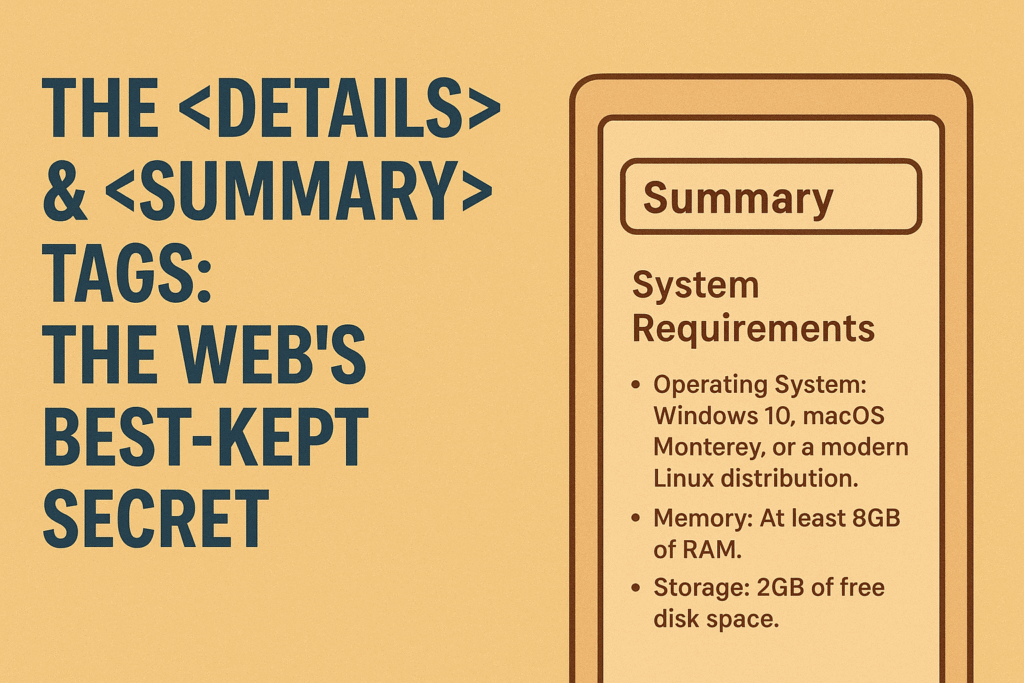
The <details> & <summary> Tags: The Web’s Best-Kept Secret
You know the feeling. You’re building a feature—maybe a simple FAQ or a “read more” section—and your mind immediately jumps to JavaScript. You picture the event listeners, the state toggles, the CSS classes you’ll add and remove. It’s a lot of work for something that feels like it should be simple.
What if I told you that the browser has had a slick, native solution for this exact problem for years? Meet the <details> and <summary> tags. They’re the unsung heroes of HTML, a powerful little duo that handles all that show/hide logic for you, right out of the box.
So, What Are These Things, Really?
Think of the <details> and <summary> elements as a built-in disclosure widget. In plain English, it’s a simple box that you can click to see more info, and click again to hide it. It’s like those handy fold-up maps, or the toggles you see on every FAQ page.
Here’s the breakdown:
<details>: This is the main box. By default, it’s closed, keeping its contents hidden away. It holds the entire toggle section and manages its own open/closed state. The browser handles everything.<summary>: This is the clickable label that sits inside the<details>box. It’s the part the user always sees and interacts with. Browsers usually add a little triangle or twisty icon next to it as a visual cue.
The real magic is in how stupidly simple it is to use. Check out the complete code you need:
<details>
  <summary>System Requirements</summary>
  <p>To run this application, ensure your system meets the following criteria:</p>
  <ul>
    <li>Operating System: Windows 10, macOS Monterey, or a modern Linux distribution.</li>
    <li>Memory: At least 8GB of RAM.</li>
    <li>Storage: 2GB of free disk space.</li>
  </ul>
</details>
And that’s it. Seriously. Copy and paste that, and you’ve got a fully functional, interactive toggle section. Click the summary, and the content appears. Click it again, and it vanishes. No JavaScript, no fancy frameworks. Just clean, semantic HTML doing the heavy lifting.
Why You’ll Fall in Love With It: The Free Perks
My absolute favorite thing about this tag is its accessibility. When you use it, you get a bunch of critical features for free, without lifting a finger:
- Screen Readers Get It: Assistive technologies automatically recognize
<details>as a disclosure widget. They’ll tell the user if it’s expanded or collapsed, which is a huge win for inclusivity. - It’s Keyboard-Friendly: Users can tab right to it and toggle it with the Enter or Space key. You don’t have to write a single keydown event listener.
- No ARIA Headaches: Behind the scenes, the browser slaps on all the right ARIA attributes (like
aria-expanded). If you’ve ever tried to build an accessible widget from scratch with<div>s, you know what a nightmare this can be. This tag just handles it.
And let’s talk speed. Since this is a native browser element, it’s incredibly lightweight. There’s no JavaScript bundle to download and execute. For users on a slow connection or an older device, this means your site feels snappier and more responsive right away.
Making It Your Own: A Dash of CSS
Let’s be honest, the default styling is a bit… basic. It works, but it won’t win any design awards. The good news? You can dress it up with CSS just like any other element.
The one tricky part is swapping out the default disclosure triangle. Since it’s not really part of the HTML content, you have to use a little CSS trickery. Here’s a common way to do it:
details {
  border: 1px solid #aaa;
  border-radius: 4px;
  padding: 0.5em;
}

summary {
  font-weight: bold;
  cursor: pointer;
  /* This is the key to removing the default marker */
  list-style: none;
}

/* Now we add our own with a pseudo-element */
summary::before {
  content: '►';
  padding-right: 0.5em;
  font-size: 0.8em;
}

/* This targets the widget ONLY when it's open */
details[open] summary::before {
  content: '▼';
}
See that details[open] selector? That’s the secret sauce. It’s a native CSS selector that only applies when the widget is expanded, letting you create cool effects like rotating or changing the icon.
Pushing It Further
Want a section to be open when the page loads? Just add the open attribute: <details open>. It doesn’t get easier than that.
You can also line up a few of these widgets to create a simple, multiple-open accordion for an FAQ page. It’s as easy as stacking several <details> elements together.
It’s worth knowing its limits, though. This widget is perfect for revealing content in-place. It’s not meant to be a modal dialog or a slide-out menu. Its job is disclosure, and it’s brilliant for that. Perfect uses include:
- FAQ pages (the classic!)
- “Spoiler” warnings in reviews
- Hiding lengthy code snippets or footnotes
- Nested menus or settings panels
- “Read more” expansions
Wrapping Up: Work Smarter, Not Harder
In a world where web development seems to get more complex by the day, the <details> and <summary> tags are a beautiful reminder of what the web platform can do on its own. They’re a testament to elegant, built-in solutions.
So next time you’re about to write a document.querySelector().addEventListener() chain just to hide and show a paragraph, stop for a second. See if this humble little tag can do the job for you. Using it means writing less code, shipping faster, and building a more accessible web for everyone. Not bad for a few lines of HTML.
New to HTML? Start Here: HTML Tutorial for Beginners: Your Complete Introduction to HTML Basics
[INSERT_ELEMENTOR id=”122″]

